Software-OK
≡... News | ... Home | ... FAQ | Impressum | Contact | Listed at | Thank you |

  
HOME ► Windows Tip - DesktopDigitalClock ► «««« 06 / 08 »»»»

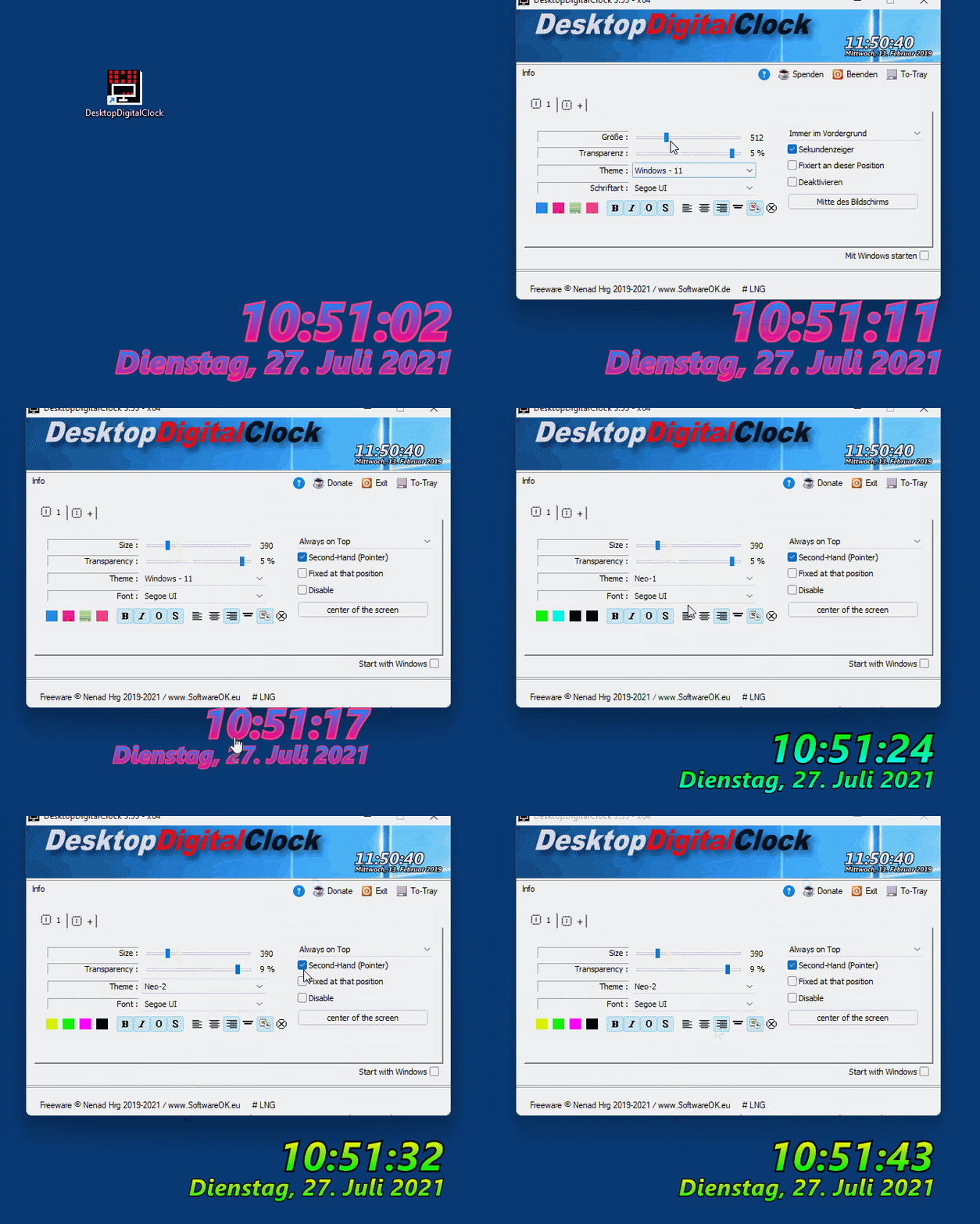
A clock developed for Windows 11 as Gif Animation Demo?


A simple Windows 11, 10, ... Watch is also suitable for Windows beginners without Windows expertise or knowledge of the theory of relativity!

Content:

1.) ... Why should they, if you can do without them!
2.) ... Conclusion on simple Windows 11, 10, ... Watch that is also suitable for Windows beginners!

1.) Why should it be, if it works without it!

1. As always, start ► the desktop clock for Windows 11, 10, ...

2. And forget about the cheese about space-time ;-)


2.) Conclusion on simple Windows 11, 10, ... Watch that is also suitable for Windows beginners!

In summary, a simple clock for Windows 11, 10 and other versions is also suitable for Windows beginners. You don't need advanced Windows expertise or an understanding of relativity to benefit from this simple and practical feature. The watch offers a straightforward way to keep track of time, without excessive complexity or superfluous bells and whistles. Whether you're new to the world of Windows or have previous experience, a plain clock is an accessible and useful feature for any user.
 
Here are the pro arguments for the simple watch for Windows beginners:

1. Ease of use:

A simple watch is easy to understand and use, even for beginners who are new to the Windows interface. It doesn't require any complicated settings or configurations.

2. Visual clarity:

A simple clock provides a clear and straightforward representation of time, without distracting or redundant features. This makes it easier for beginners to track time at a glance without having to wade through different options.

3. No prior experience required:

Windows beginners don't need any special knowledge or experience to use the watch. No preparation or training is required to benefit from this basic feature.

4. Intuitive operation:

The operation of a simple watch is intuitive and self-explanatory. Users can easily switch between different time displays and make basic settings such as changing the time zone or activating alarms without having to access complicated menus.

5. Universal Applicability:

A simple watch is suitable for a wide range of users, regardless of their technical background or personal preferences. It provides a basic timekeeping feature that is useful for any user, regardless of their level of experience or knowledge.

These pro arguments show that a simple clock is a practical and accessible feature for Windows beginners, giving them an easy way to keep track of time without having to deal with complex functions.


Updated on: 15 May 2024 07:49 Windows
Keywords: desktopdigitalclock, clock, developed, windows, animation, demo, simple, watch, also, suitable, beginners, without, expertise, knowledge, theory, relativity, content


Similar information on the page

Windows

... Digital Desktop Clock plus Optional transparency on Windows 11, 10, 8.1, 7


A simple example with Digital Desktop Clock plus Optional transparency on Windows 10 desktop
Windows

... The digital Windows 11, 10, ... desktop clock without lock screen


A simple yet beautiful desktop clock for the Windows desktop with digital display Info: This Digital Desktop Clock is not written only for Windows 11 and
Windows

... Put a floating clock on Windows 11, 10, ... desktop


If you want to make a desktop clock float on the Windows 11, 10, 8.1, desktop, like the customized digital clock   Contents: 1. A floating
Windows

... Show PM AM in the Digital Desktop Clock on Windows 11, 10, ... all OS


The solution to show PM / AM in the Digital Desktop Clock on Windows 12, 11, 10, all OS, MS Desktops and Server 2022, 2019,   Content: 1. PM
Windows

... Is the desktop clock not a system resources waster for Windows?


The desktop clock hardly loads the system and has been developed very system-gentle on Windows 11, 10, etc.  As a system resources spreader you cannot
Windows

... Is the desktop clock suitable for Windows 7 and Windows 8 or 10?


Yes The Desktop Clock TheAeroClock is not only a desktop clock for Windows XP, the desktop clock is also for Windows 7, Windows 10, 8.1, 8 suitable
Windows

... Why do you have a 3D clock for Windows with a simple digital clock on your arm?


It is practical to have a simple 3D clock for MS Windows as a digital clock or analog rotating on the desktop in order to recognize the time   Content:


▲ Back to the top ▲


See also : ... DesktopDigitalClock FAQ
Back to : ... DesktopDigitalClock Homeage

... DesktopDigitalClock Tip


3D.Benchmark.OK # AlwaysMouseWheel # AutoHideDesktopIcons # AutoPowerOptionsOK # ClassicDesktopClock # DesktopDigitalClock # DesktopNoteOK # DesktopOK # DontSleep # Edge-Chromium # ExperienceIndexOK # Find.Same.Images.OK # FontViewOK # GetPixelColor # GetWindowText # Internet # IsMyHdOK # KeepMouseSpeedOK # NewFileTime # OpenCloseDriveEject # OpenGL # PhotoResizerOK # Q-Dir # QuickMemoryTestOK # QuickTextPaste # Registry # ShortDoorNote # StressMyPC # System # TheAeroClock # Tools # Version # WinScan2PDF #



  + Freeware
  + Order on the PC
  + File management
  + Automation
  + Office Tools
  + PC testing tools
  + Decoration and fun
  + Desktop-Clocks
  + Security

  + SoftwareOK Pages
  + Micro Staff
  + Freeware-1
  + Freeware-2
  + Freeware-3
  + FAQ
  + Downloads

  + Top
  + Desktop-OK
  + The Quad Explorer
  + Don't Sleep
  + Win-Scan-2-PDF
  + Quick-Text-Past
  + Print Folder Tree
  + Find Same Images
  + Experience-Index-OK
  + Font-View-OK


  + Freeware
  + Office.Files.Images
  + Film.Strip.Explorer
  + WinScan2PDF
  + DontSleep
  + ExperienceIndexOK
  + QuickTextPaste
  + DesktopNoteOK
  + ShortDoorNote
  + AutoHideDesktopIcons
  + PAD-s


Home | Thanks | Contact | Link me | FAQ | Settings | Windows 10 | gc24b | English-AV | Impressum | Translate | PayPal | PAD-s

 © 2026 by Nenad Hrg ERR2: softwareok.de • softwareok.com • softwareok.com • softwareok.eu
55.592 msec.


>> ☕ Buy SoftwareOK a Coffee ☕ <<


► Automatic paste texts under Windows, why, wath for? ◄
► Remove password under Windows 11, login without? ◄
► Restart programs from the Windows taskbar! ◄
► Install Windows 11 on FAT or FAT32, is that possible? ◄


This website does not store personal data. However, third-party providers are used to display ads,
which are managed by Google and comply with the IAB Transparency and Consent Framework (IAB-TCF).
The CMP ID is 300 and can be individually customized at the bottom of the page.
more Infos & Privacy Policy

....