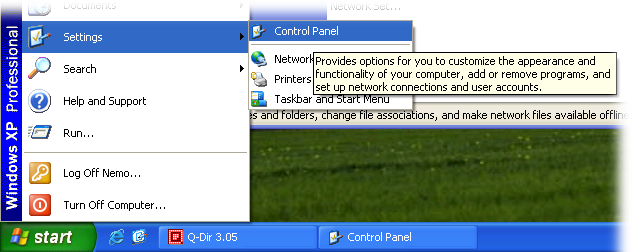
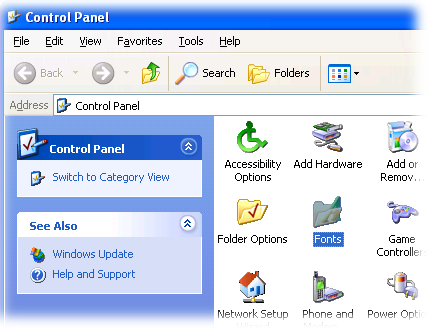
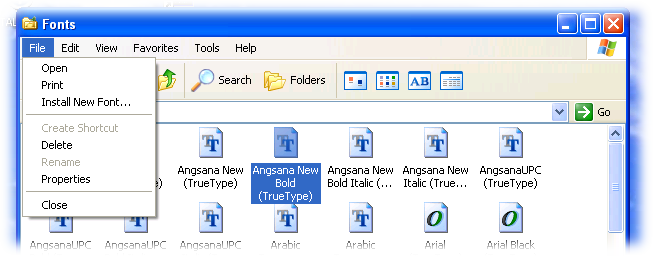
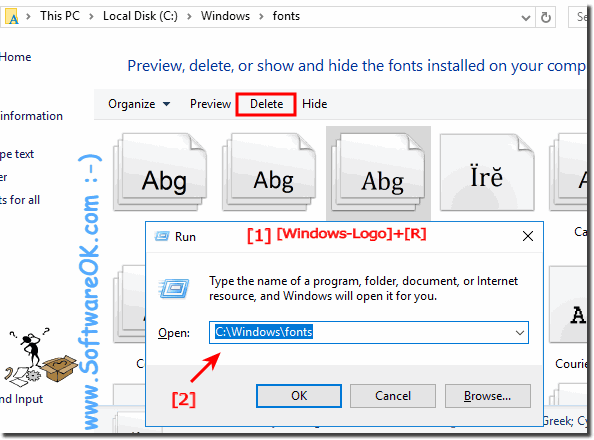
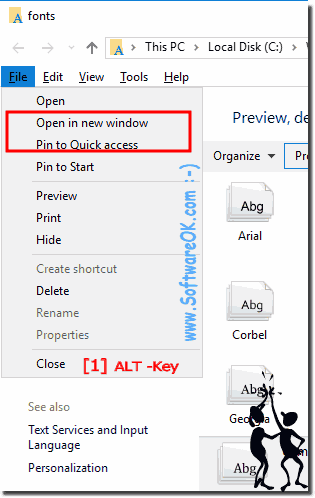
The Windows operating system allows you to centrally manage fonts that can be used by all installed applications. Instead of loading the data separately in Photoshop, Microsoft Word and some other programs, you can install a new font directly into the OS. After that, it will be available for use with any software. This article describes the process of installing new fonts in different versions of Windows OS: XP, 7, 8 and 10.
Easy enlarge the font on Windows System for my computer screen eg. desktop New Solution for Windows 10 / 8.1 ►►► Change the System Fonts, Title, Caption,
That is quite easy and is actually very nice to explain: microsoft.com or Windows XP and Windows Vista: microsoft.com Or simply with the famous but modest
Oh yes This is the default setting in Vista Windows 10 and 8.1 / 7. Some one like the desktop icons from Windows XP or Windows 2000. This can be very easy
It is actually the "system navigation" click "sound" Step 1: Sounds and Audio Devices settings via: "START" ► "Settings"►"Control Panel" ► "Sounds and Audio